For small businesses and sole traders

Custom software you adapt yourself.

We build an app around your business: your stock, planning, customers or work orders. Then you adapt it by talking to your own AI chatbot. Safely, and without a developer.

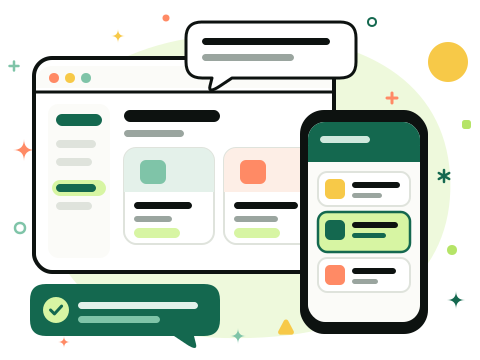
Your app on computer and phone, adapted with a quick chat

Psst: this site, the drawings and the animation were made with AI. If that works, so will your manuals.

Custom software has existed for years. Adapting it yourself hasn't.

Your business changes every month. Until now, your software didn't.

Until now

  • Every change means a quote, weeks of waiting and an invoice
  • Or you adapt your business to the software
  • Spreadsheets and WhatsApp fill the gaps

With Naaiko, you do it like this

  • You just ask, in plain language
  • You see it first in your test version
  • You say publish, and it's live

What it looks like

Three businesses, three apps. Each built around how they work.

Antiques and interiors

Julian de Wolfe

Visit juliandewolfe.com

What they wanted

A back office next to the webshop. Every unique piece with photos and a fixed spot, client interior projects followed up, and drivers logging their trips. It all lived in lists, emails and messages.

What we built for them

  • A mood board per room that the client views online and responds to, in the shop's own style
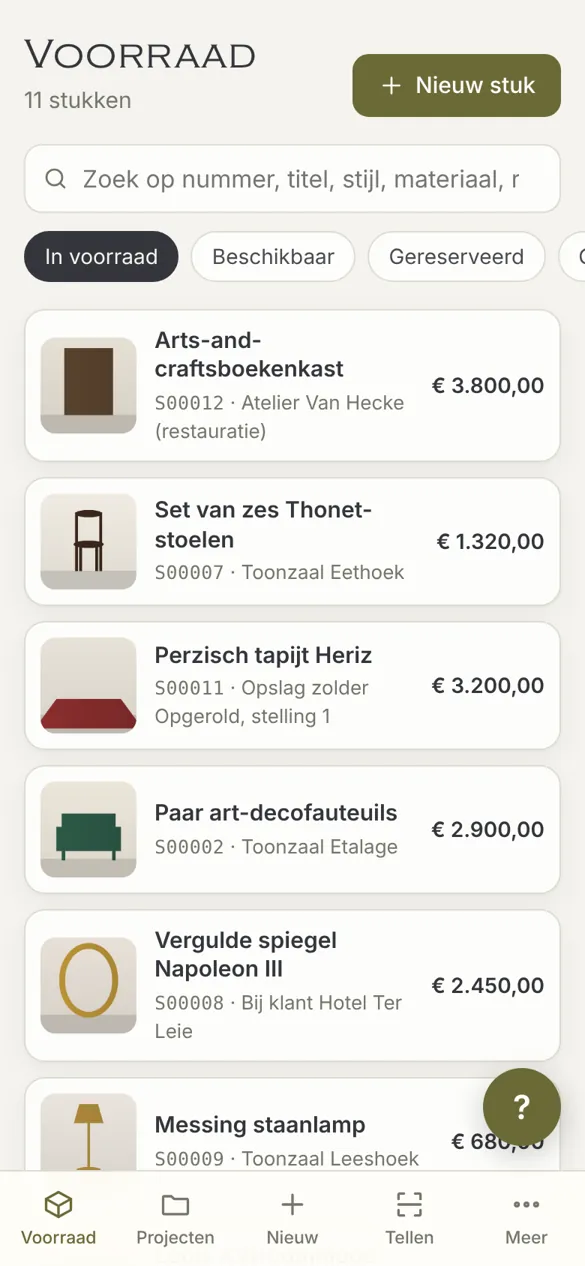
  • QR labels on every piece: scanning opens its record, and stocktaking goes shelf by shelf on a phone
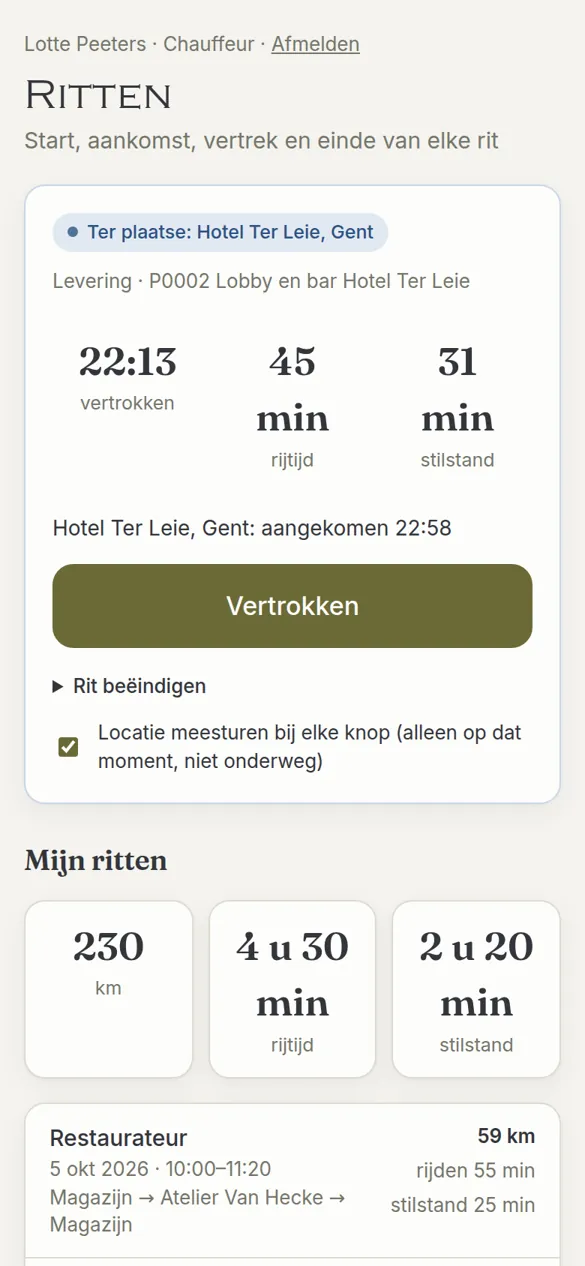
  • Drivers tap start, arrived and left: the app works out driving and waiting time
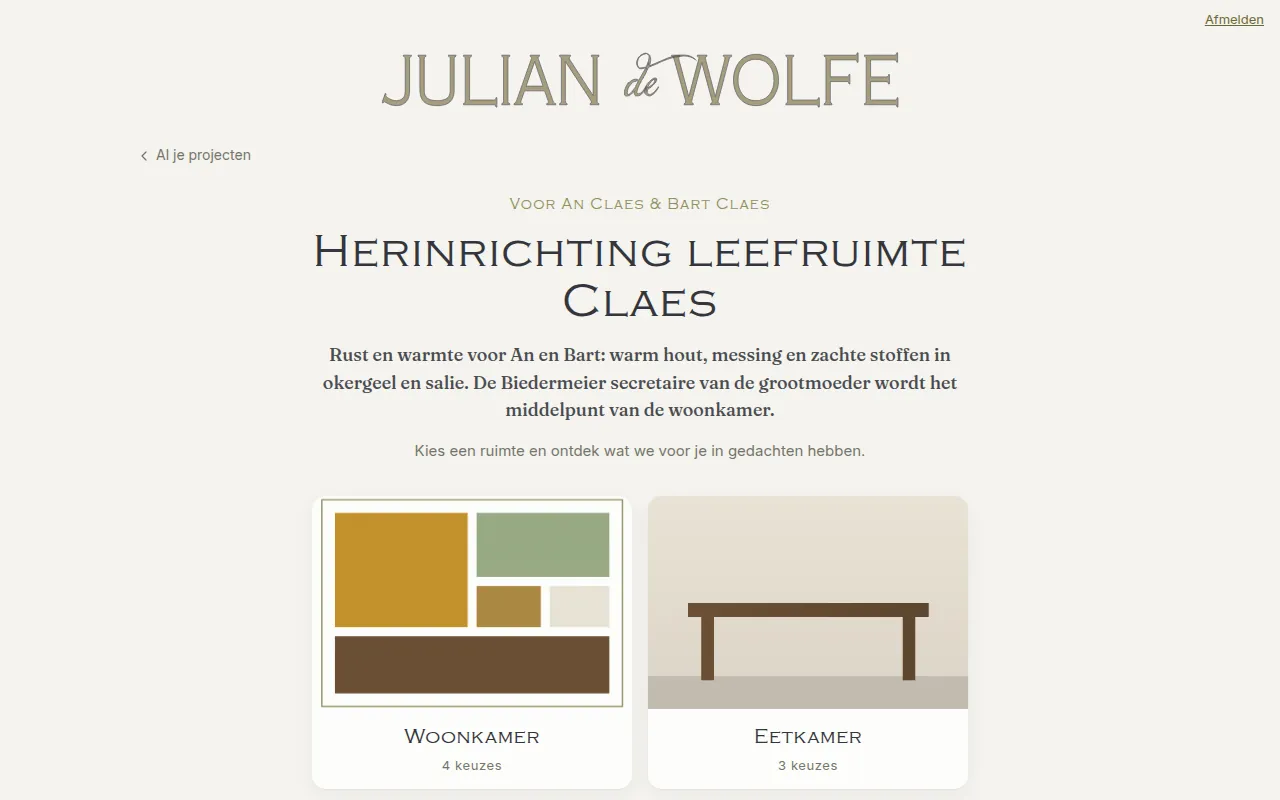
The mood board the client sees: the choices per room
The stock list on a phoneA driver on the road

General contractor

dimiplinke.be

Visit dimiplinke.be

What they wanted

One overview of every site, so nobody gets double-booked and no subcontractor is expected on two sites at once. Until then: a spreadsheet per site, and lots of phone calls.

What we built for them

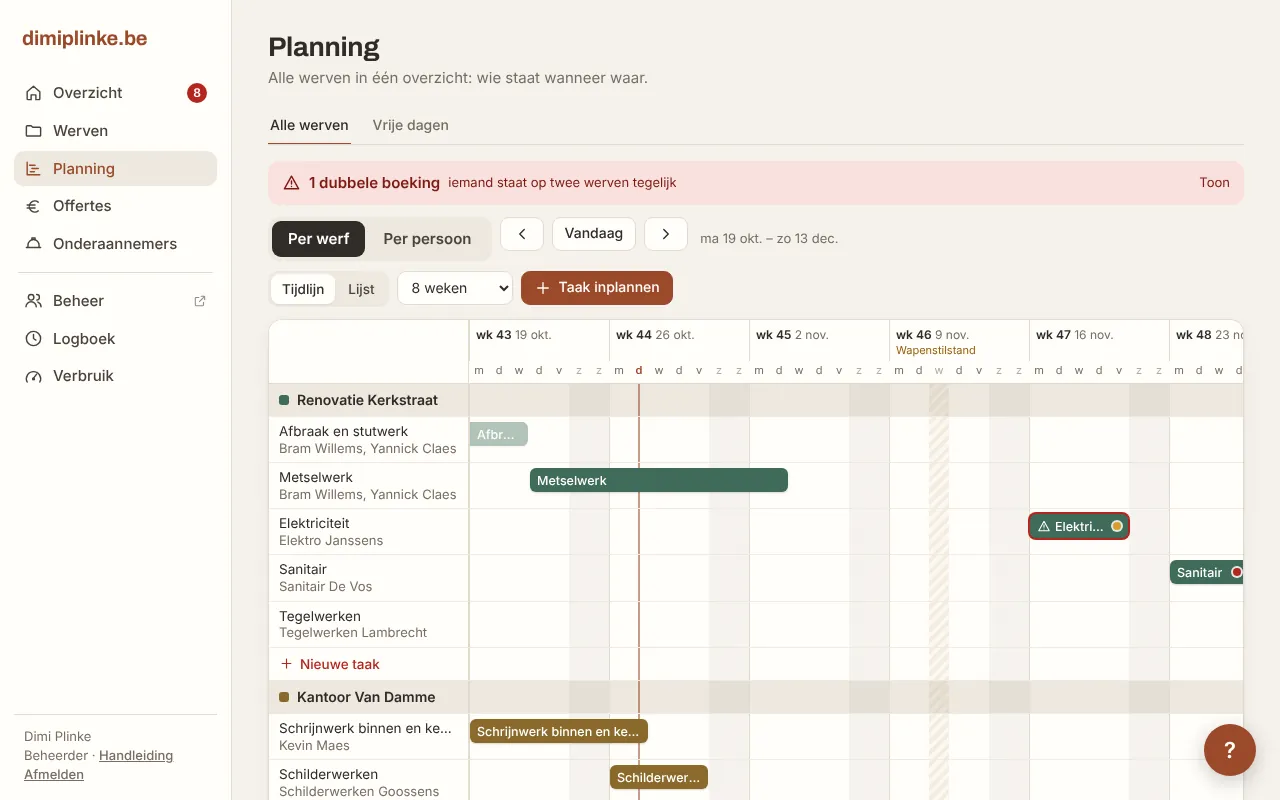
  • One schedule across all sites: a double booking stands out, and when a task moves, what comes after moves with it
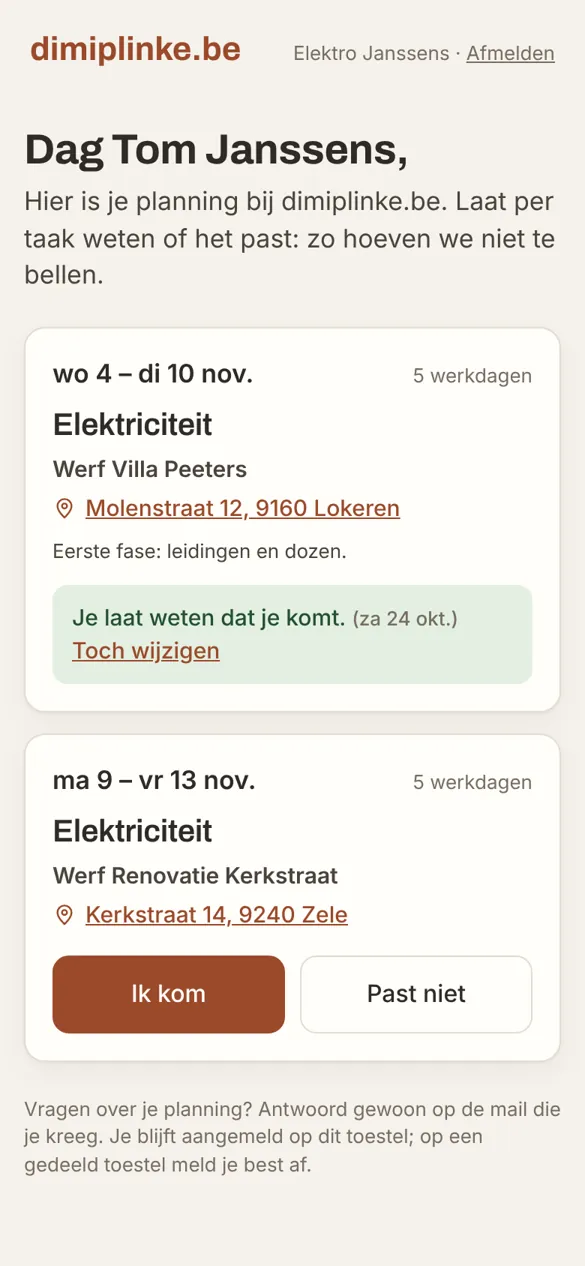
  • Subcontractors get their schedule by email and tap I'll be there or Doesn't work, without an account
  • An approved quote puts its chapters into the schedule by itself, and the progress statement follows
The schedule across all sites, with a double booking
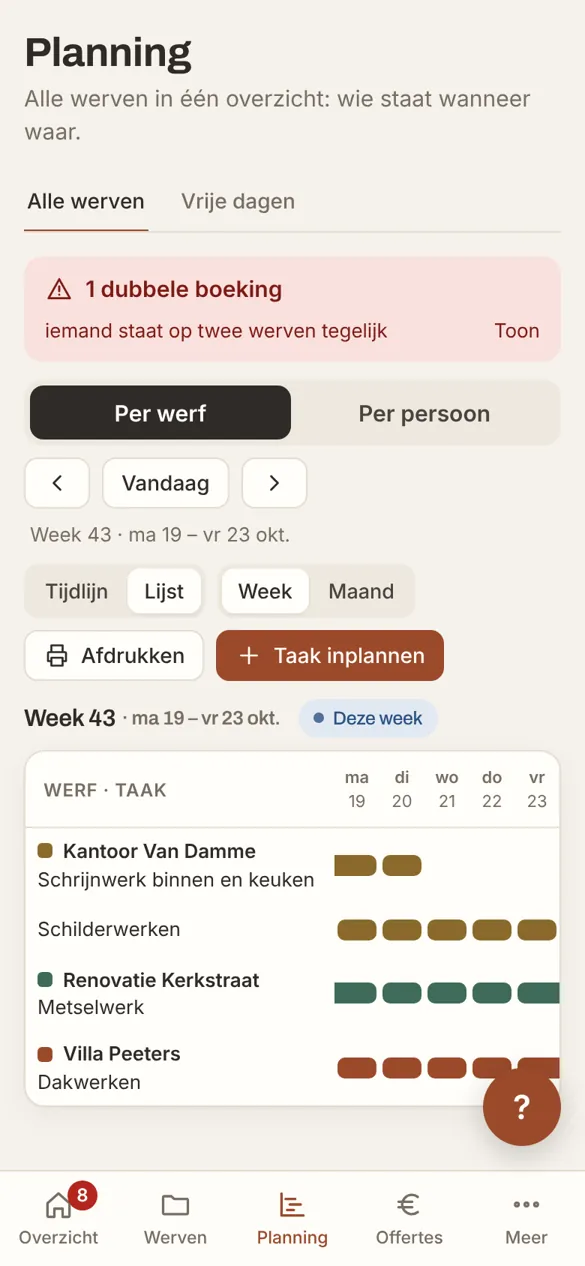
The weekly schedule on a phoneWhat a subcontractor sees

Shared cooking and dinner nights

De Gaarkeuken

No website yet: the app comes first

What they wanted

Sign-ups for their cooking and dinner nights came in through Facebook, Instagram and word of mouth. They wanted one place for all of it, and to know what the kitchen needs.

What we built for them

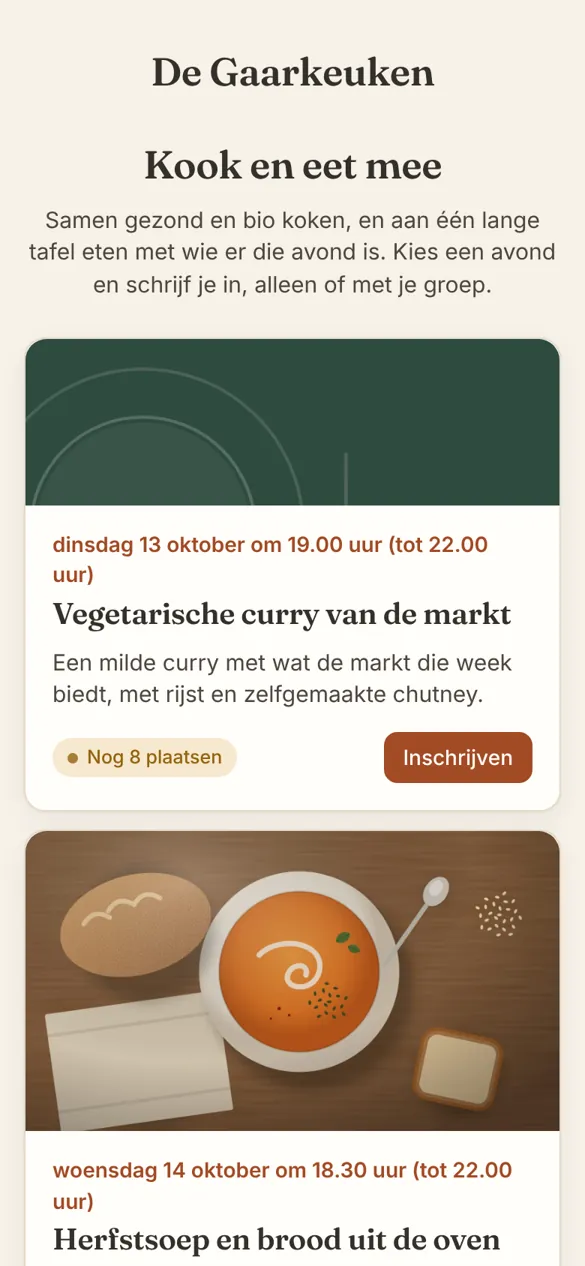
  • Guests sign up themselves through a link, with their dietary needs and what they'd like to bring
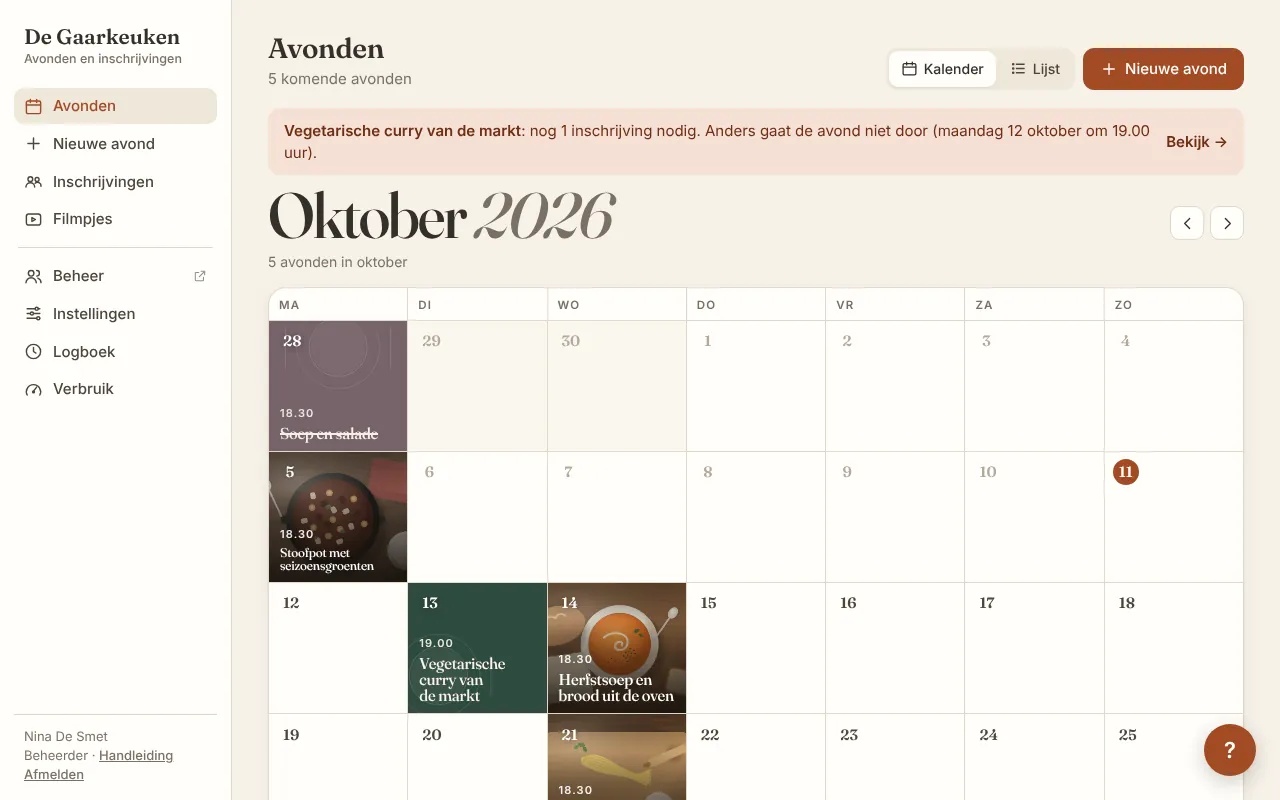
  • The app decides by itself whether a night goes ahead, and tells the guests
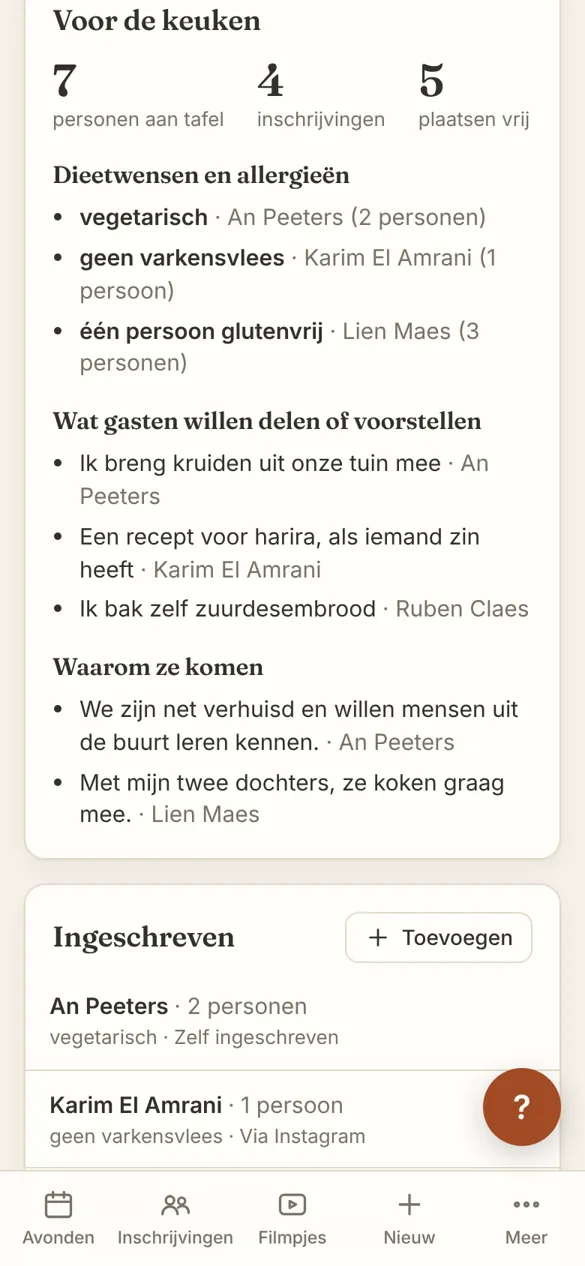
  • The kitchen team sees how many people are at the table each night, and every allergy
The calendar of dinner nights
Guests pick a night and sign upFor the kitchen: guests and dietary needs

These screens come straight from each app's own manual, with sample data. Whenever an app changes, its manual and screenshots are created and updated along with it.

Adapting your app is a conversation.

Your own AI chatbot knows your app. You say what you want, it shows it in your test version, and you decide.

And it goes far:

  • Email the customer as soon as their order is delivered.
  • Sales per category every month, with margin.
  • Flag everything that's been in stock for over 90 days.

Your own rules, workflows and reports. That works because your app is built around your business.

A project can only move to In progress once the deposit is paid. Otherwise, show a warning.
Got it. I'm adding Deposit paid to every project and blocking In progress until it's ticked. Have a look in your test version.
Works. Go ahead and publish.
It's live. The manual has been updated too.

Real conversation, lightly trimmed. The AI first asked whether ‘deposit’ means the same as ‘down payment’. Fair question.

Anyone can make a funny photo or plan a trip with AI. Building an app is something else.

This drawing is AI too. Luckily we don't have to make posters. Or do we?

AI app builders

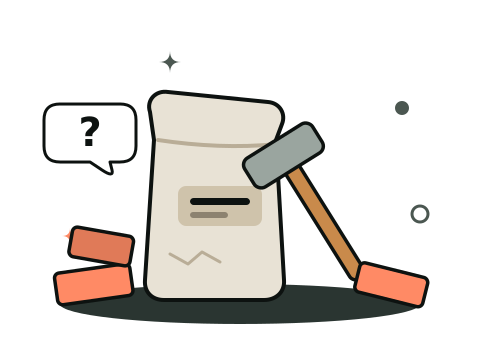
You get a hammer and a bag of cement

AI builds from what it knows: the big, generic apps. Setting up, securing, maintaining and explaining it to your team is all up to you.

Naaiko

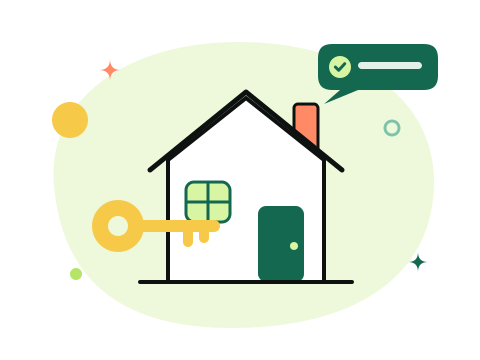
You get a house that stands, and the keys

We first listen to how your business works, and build the foundation on that. Then you furnish it, with your own AI chatbot. We keep an eye on it.

With Naaiko, this is how you do it

  1. 1

    Intro

    We listen to how you work. You get a proposal with a fixed price.

  2. 2

    We lay the foundation

    Fast, because the platform already exists. Your app works on phone, tablet and computer.

  3. 3

    You adjust

    We teach you to work with it. Then you adapt it yourself. We keep an eye on it.

Why the test version? AI can be very confidently wrong. So can we, on Monday mornings.

More about how it works →

Curious what it could do for your business?

Tell me briefly how you work today. I'll show you what's possible, no strings attached.

Book an intro call